Keen Apps Group
Productivity tools
 BACK


Mac · macOS 14 or later
Color Picker & Library
Every color of every project in one place — and turned into whatever comes next: a palette, a contrast check, a preview, or code.
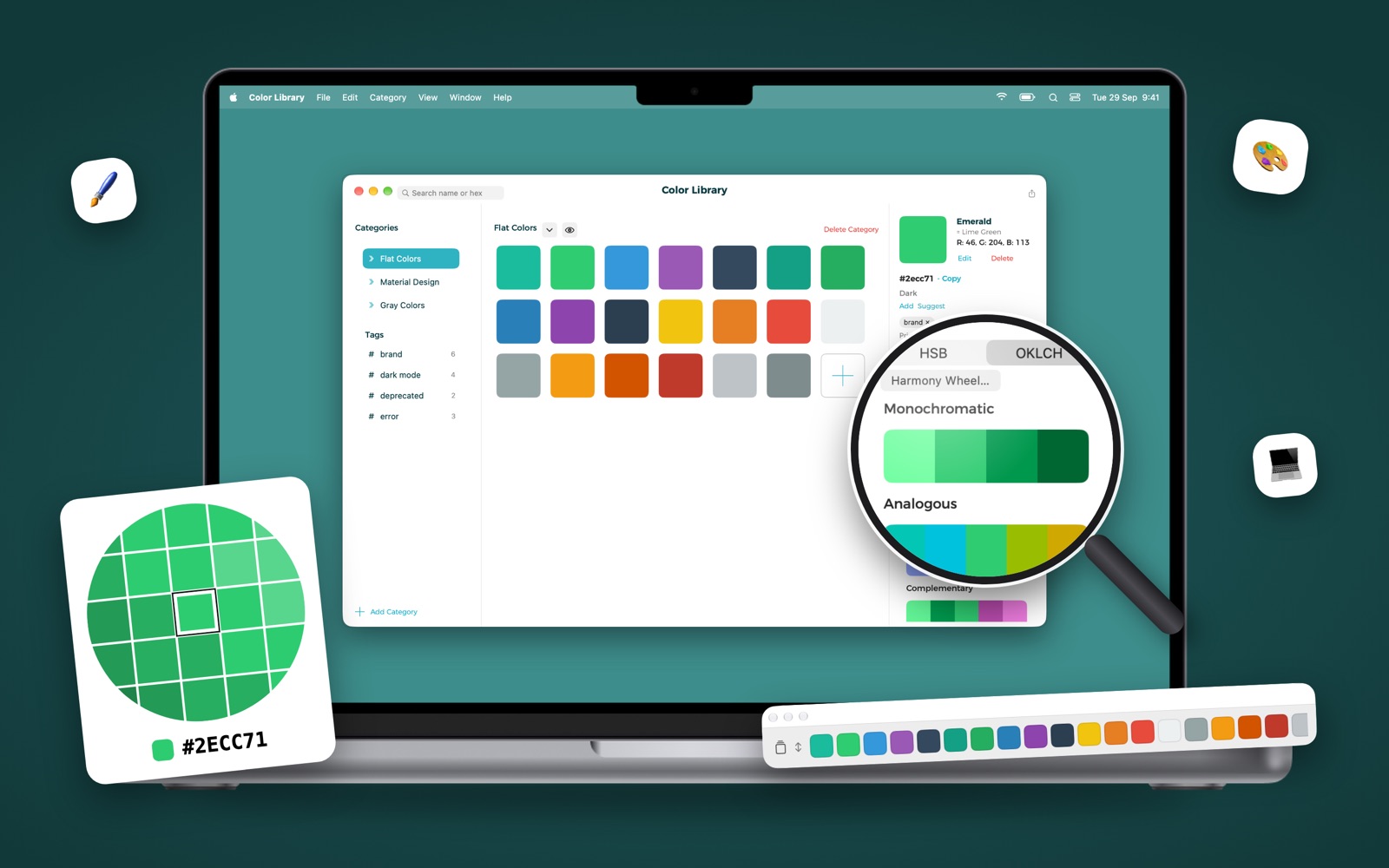
Rebuilt from the ground up for 3.0
Pick a color anywhere on the screen, type a hex, or paste rgb(), hsl() or oklch(). Group colors by project, name them, tag them, and give each one a dark-mode variant. Then build palettes around them, check they're readable, see them on a real design and send them to your code or your design tool.
Great for designers and developers alike: a designer collects a project's colors, shares the category, and the developer copies ready-to-paste code for their platform. Everything syncs across your Macs with iCloud.
Key Features
✨ AI palettes, private and offline
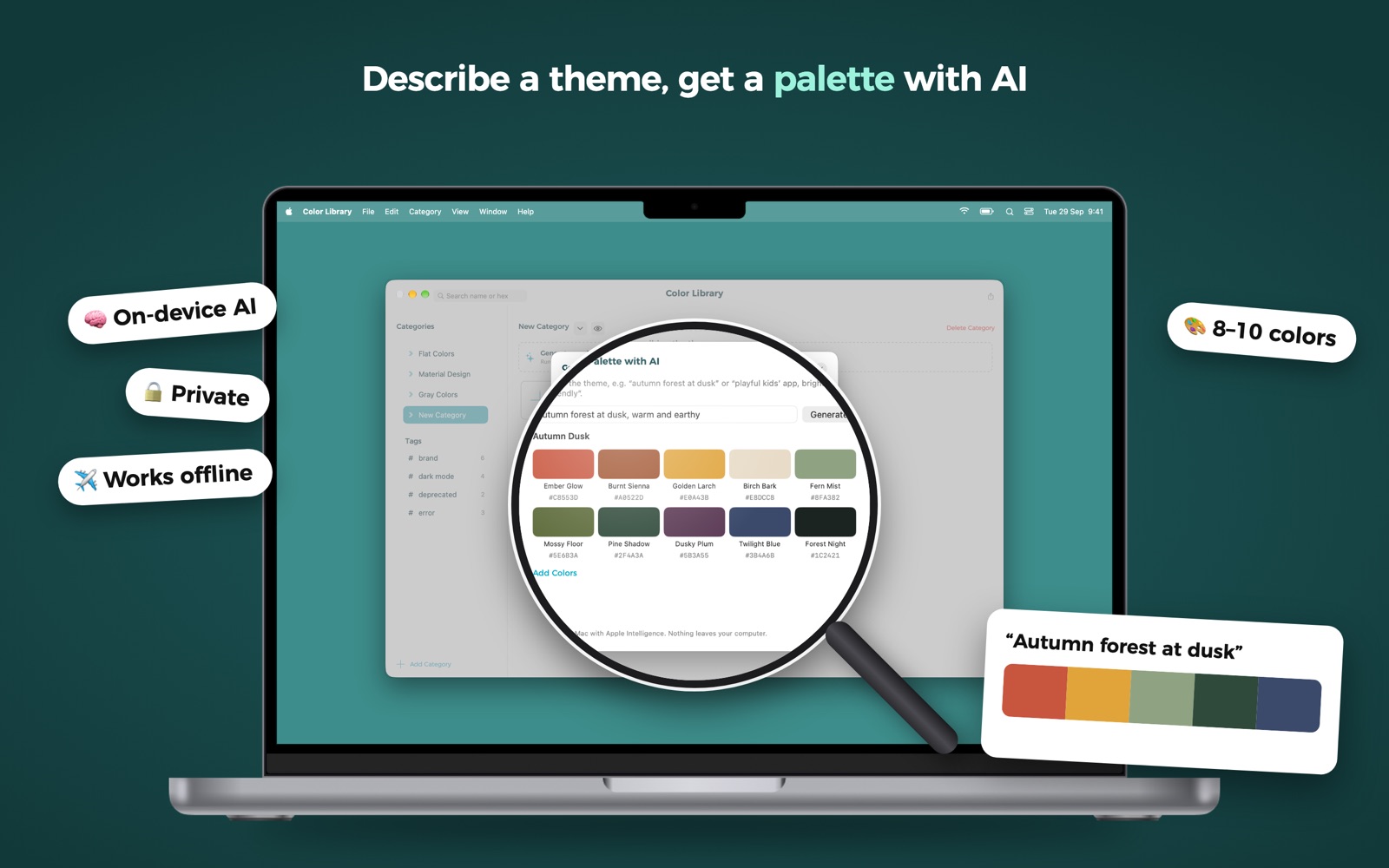
Describe a theme, like "autumn forest at dusk", and get a named palette of 8–10 colors. Fill an empty category in one click, get names suggested for unnamed colors, and have a palette explained: mood, uses and contrast. Runs on your Mac with Apple Intelligence (macOS 26 or later) — nothing leaves your computer.
🎨 Palettes and harmonies
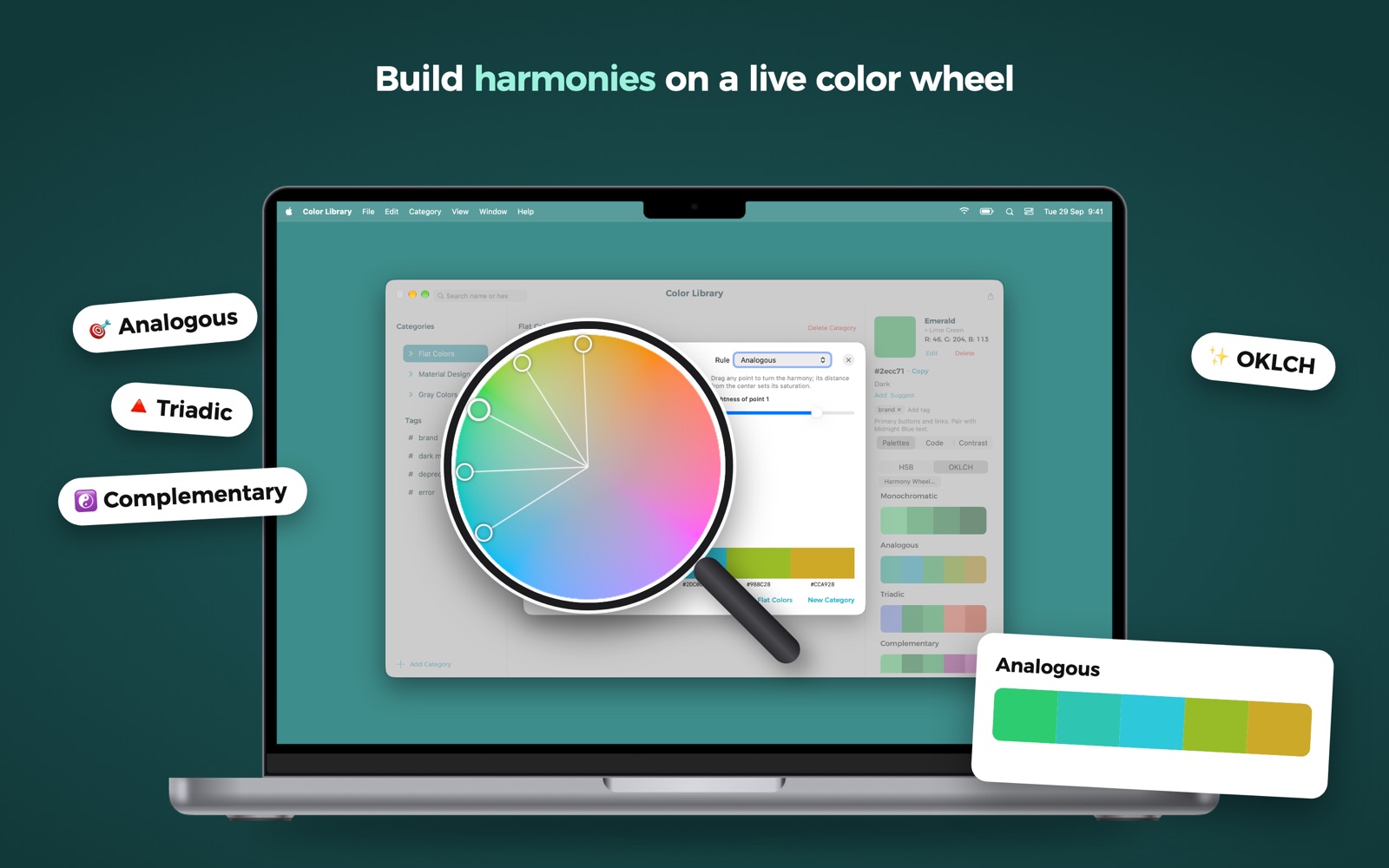
Monochromatic, analogous, triadic, complementary and compound palettes for any color, and perceptual OKLCH palettes with lightness steps that look even. Drag the points on the harmony wheel and watch the palette change. Browse Apple, Tailwind CSS, Material Design and Radix colors in the Palette Library, or build palettes from a photo, gradients and blends.
♿ Accessibility built in
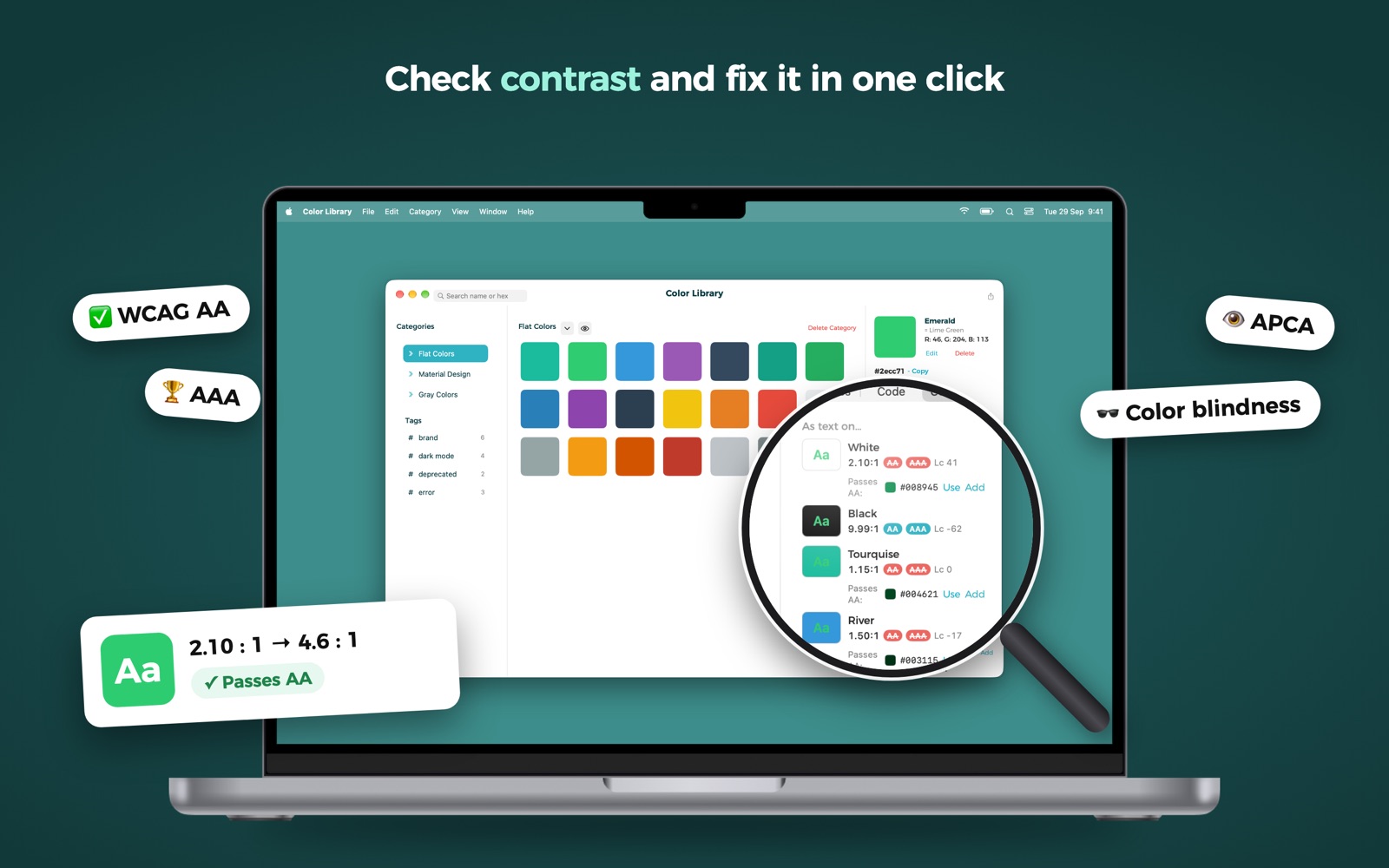
A contrast checker with WCAG AA/AAA ratios and APCA, one-click fixes that find the nearest color that passes, and color blindness simulation for a whole category.
👀 See it before you ship it
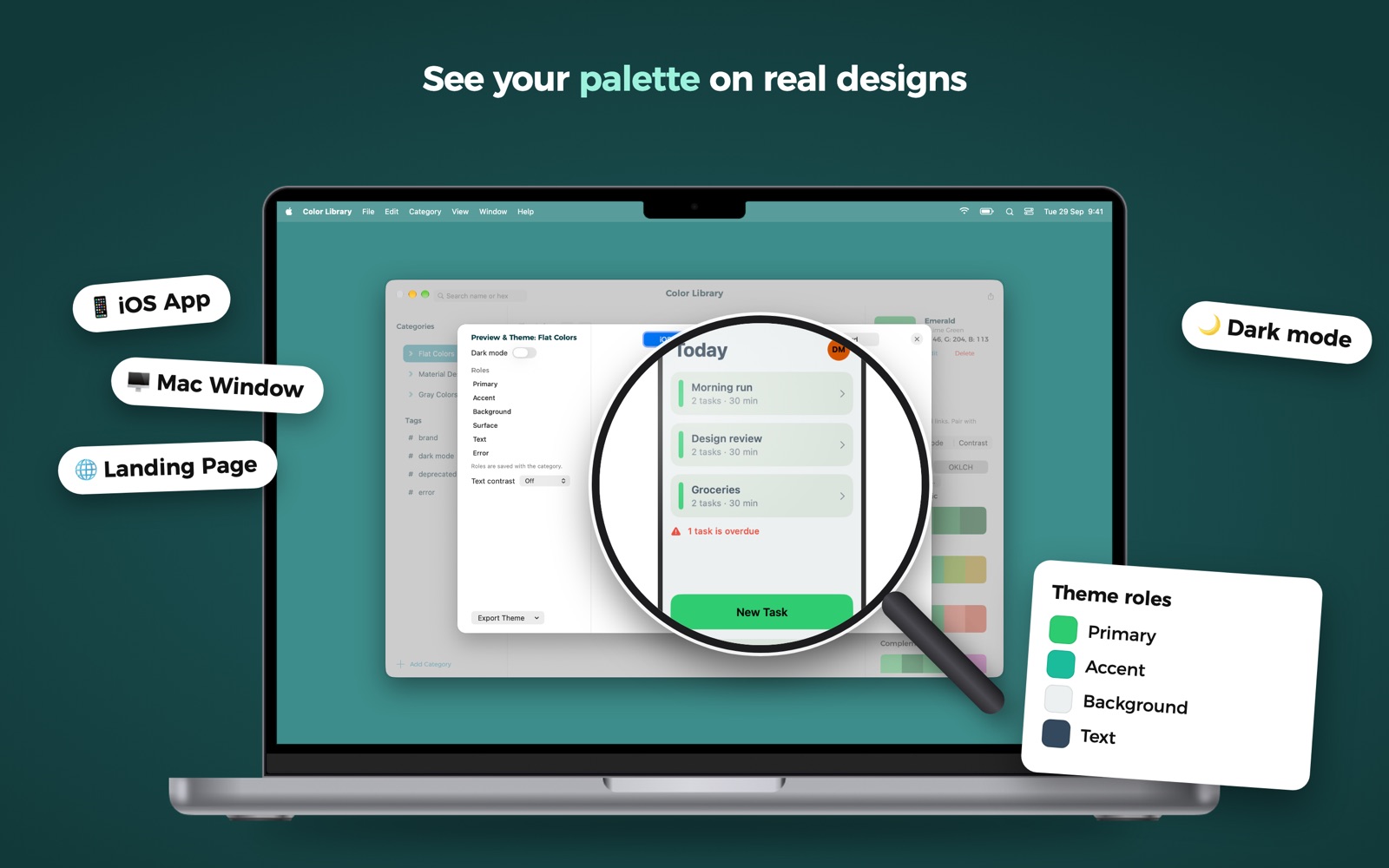
Preview & Theme puts your palette on an iOS app, a Mac window, a landing page and a card, in light and dark mode.
Code for Every Platform
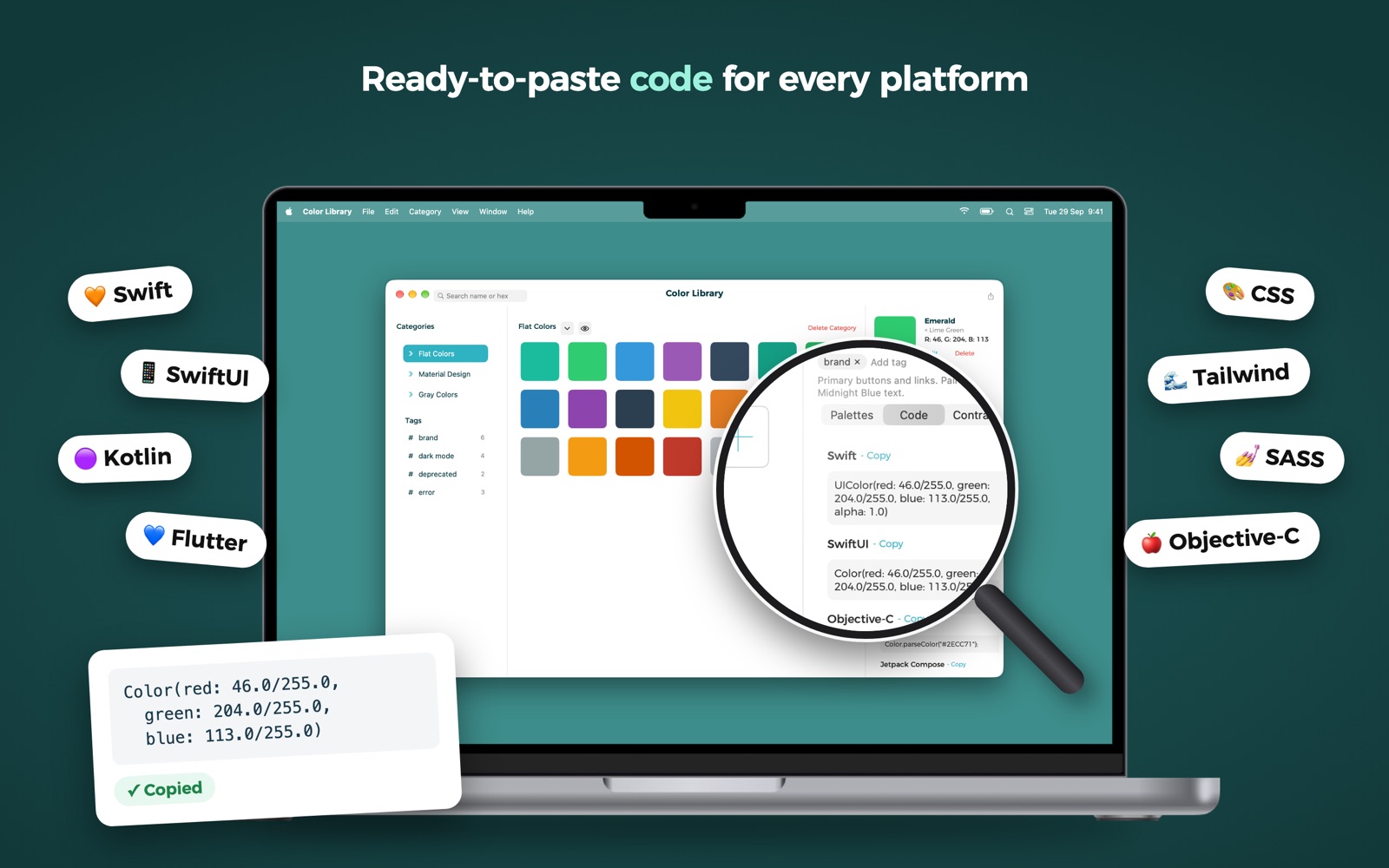
Copy any color as SwiftUI, UIKit, Objective-C, Jetpack Compose, Flutter, CSS rgb(), CSS oklch() or CMYK. Export a whole category as Theme.swift, Colors.swift, colors.xml, Colors.kt, colors.dart, SASS, CSS variables or Tailwind v4.
Export to Your Tools
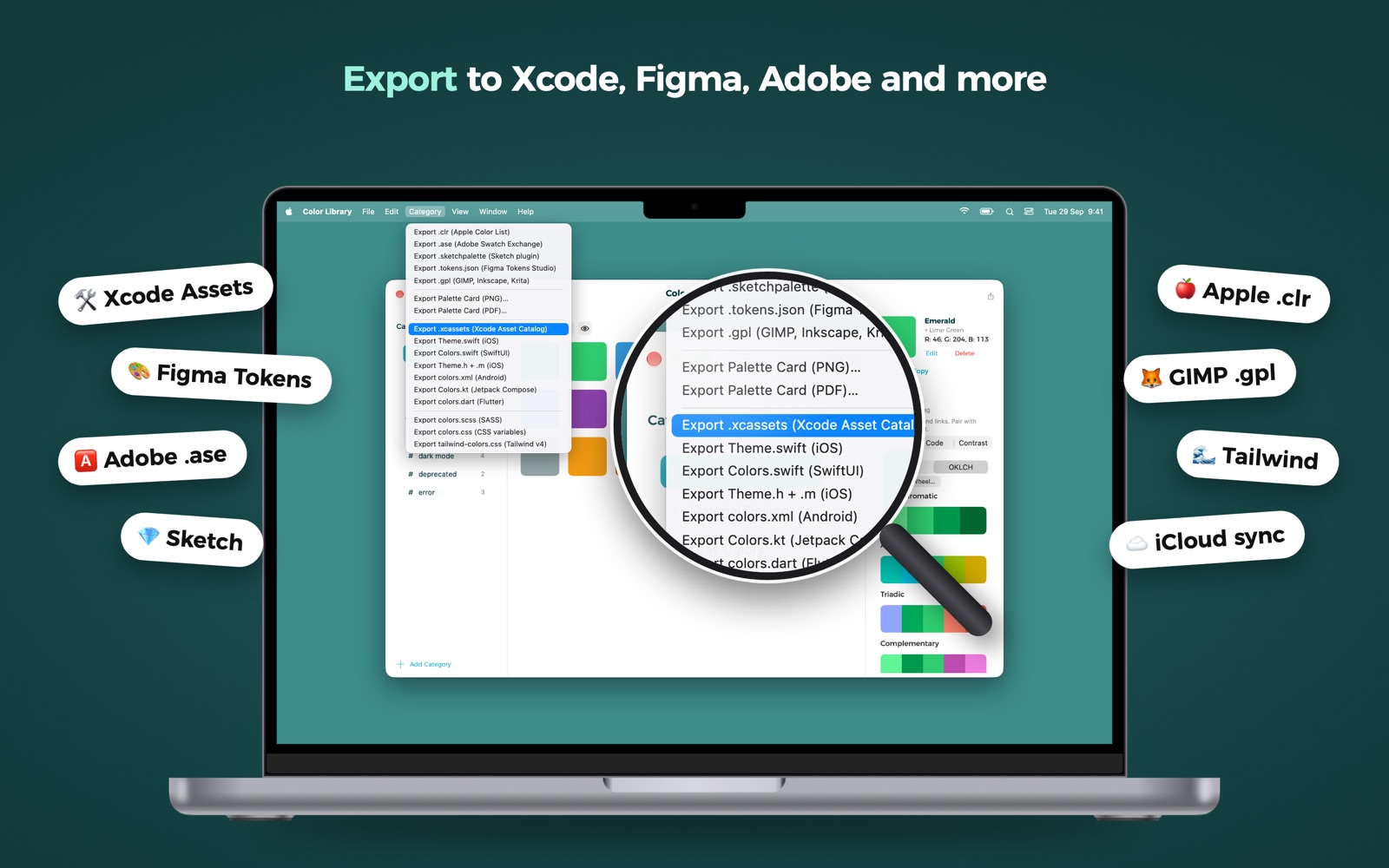
Xcode asset catalogs, Apple Color List (.clr), Adobe Swatch Exchange (.ase), Sketch palettes, Figma Tokens, GIMP/Inkscape/Krita (.gpl), and palette cards as PNG or PDF. Import the same formats back.
Made for Everyday Work
- Color Dock: a floating strip of swatches, one click to copy
- Pick several colors in a row, with recent picks one menu away
- Global shortcut ⌃⌥C to pick from anywhere
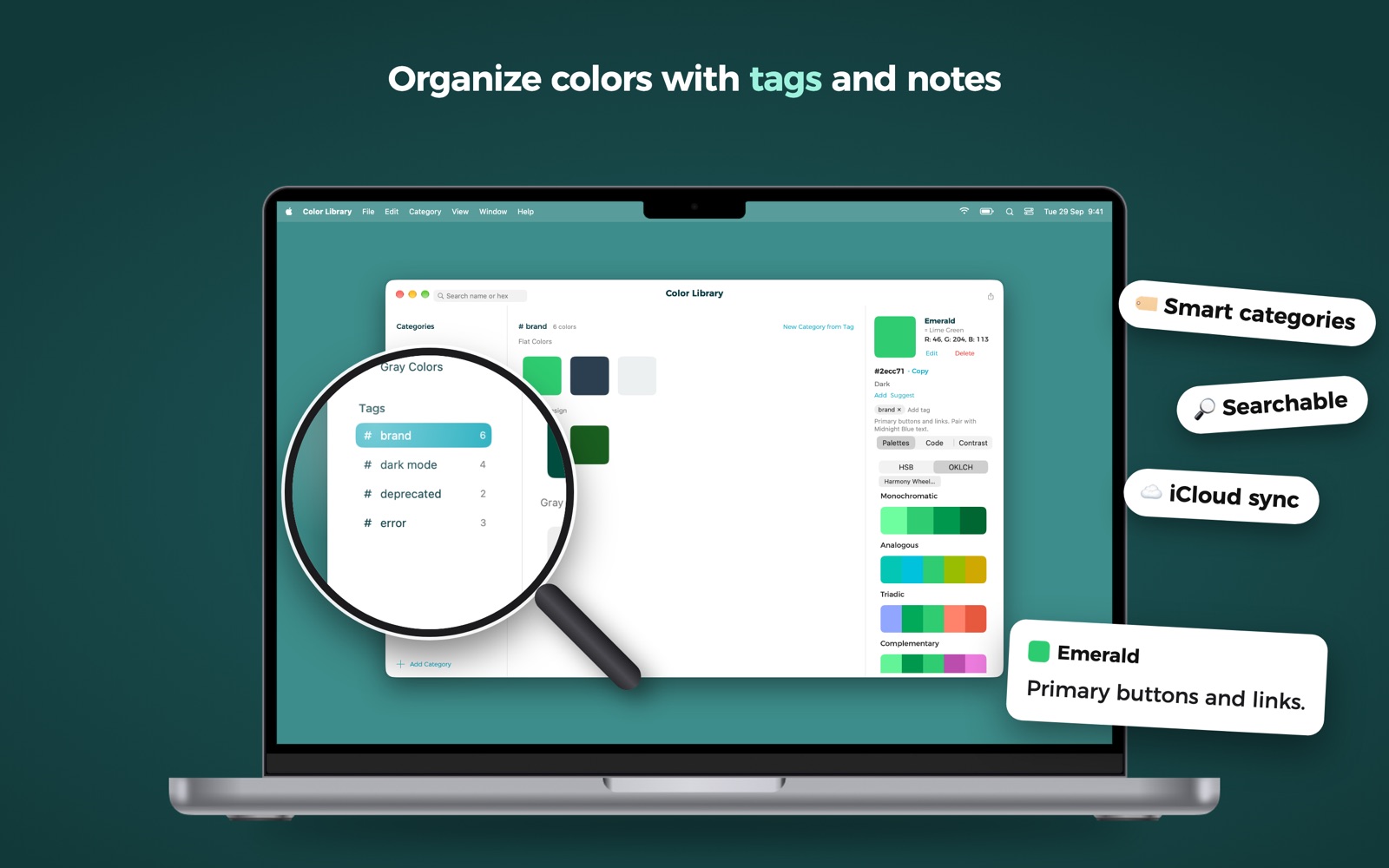
- Tags and a note on every color; each tag is a smart category in the sidebar
- Find near-duplicates, and audit the colors hard-coded in a code folder
- Display P3 wide-gamut colors and dark-mode variants
- Shortcuts actions
- iCloud sync across your Macs
Frequently Asked Questions
Does the AI send my colors anywhere?
No. AI palettes, naming and explanations run on your Mac with Apple Intelligence, which needs macOS 26 or later. Everything else in the app works on macOS 14 and later.
Is it a subscription?
No. Color Picker & Library is a one-time purchase on the Mac App Store.
Can I share colors with my team?
Yes. Export a category to a file your teammates can import, or to the swatch format of the tool they use: Adobe, Sketch, Figma Tokens, Xcode and more.
Need More Help?
Have questions or need assistance? Visit our contact page to get in touch. We typically respond within 24 hours.